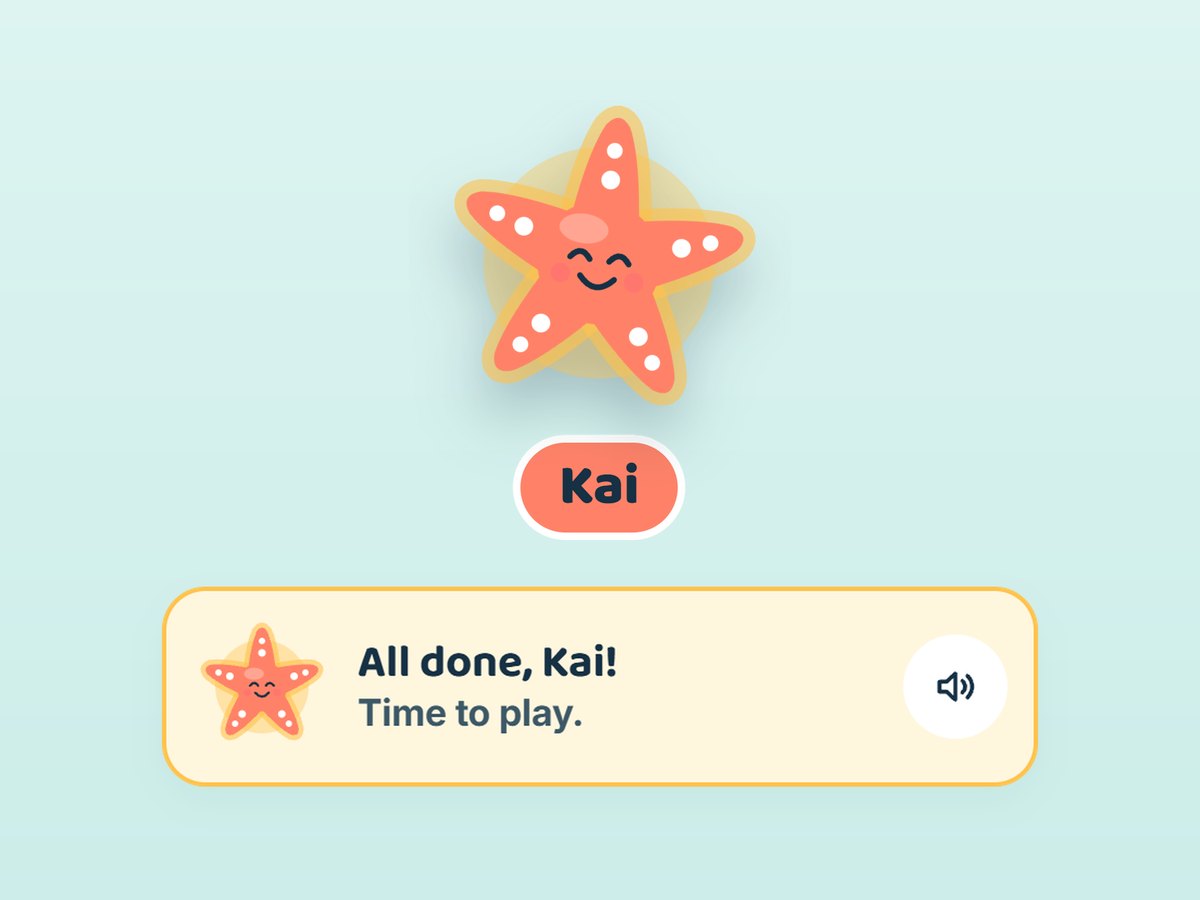
Their own starfish cheers
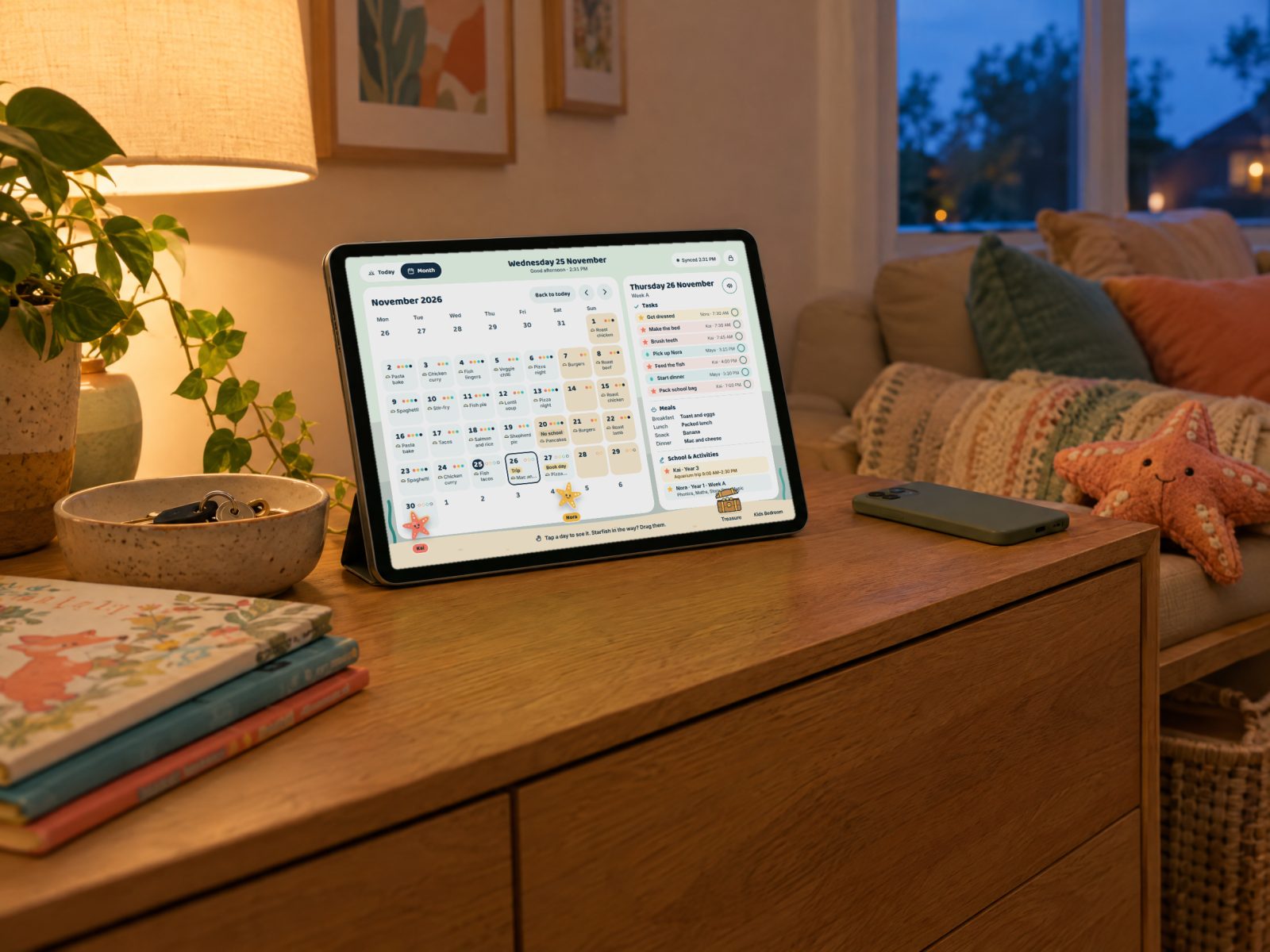
Every child has a starfish in their colour. Tick a task and it hops over to celebrate. The rest of the time it wanders the board, and kids can drag it anywhere.
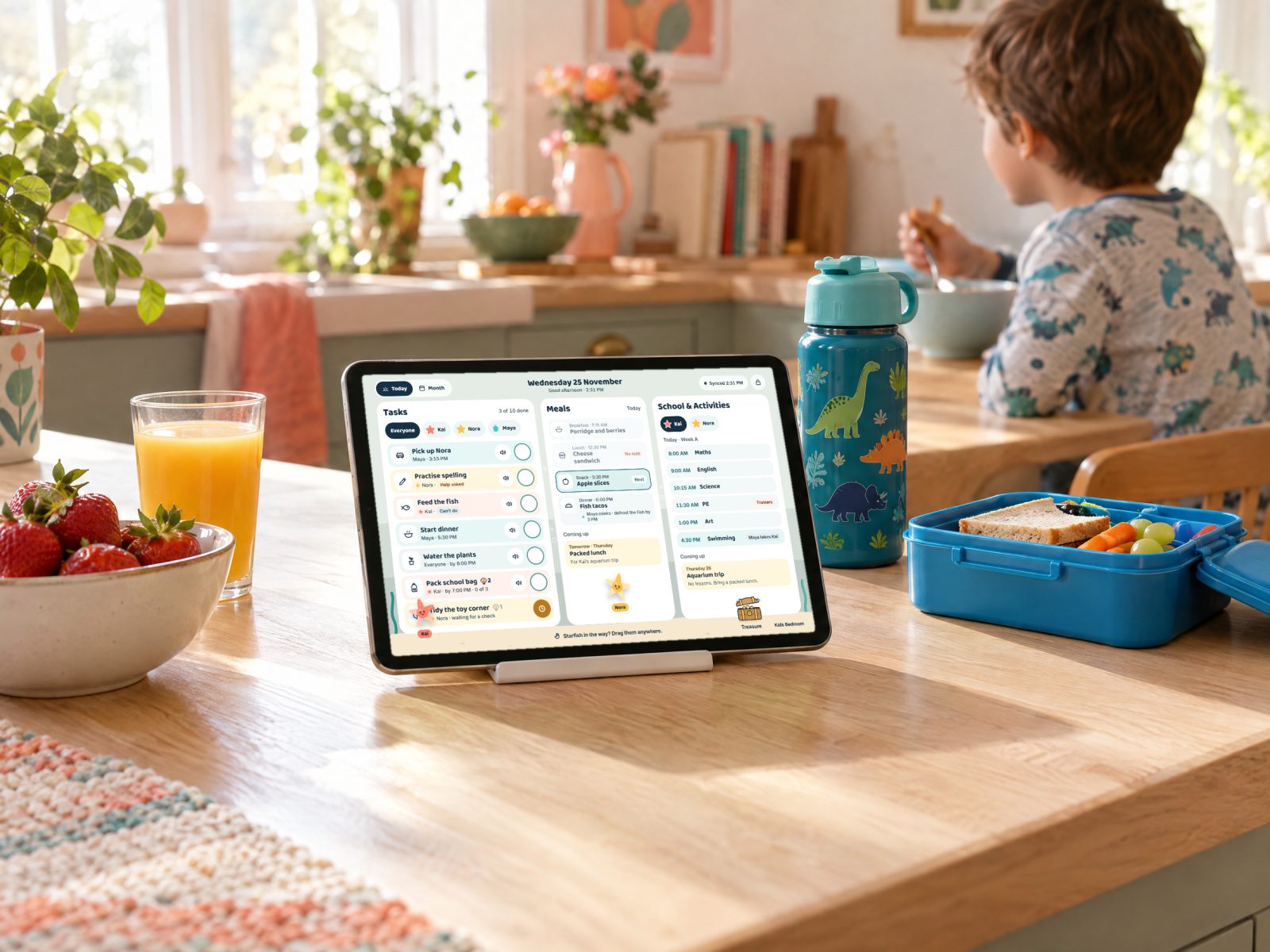
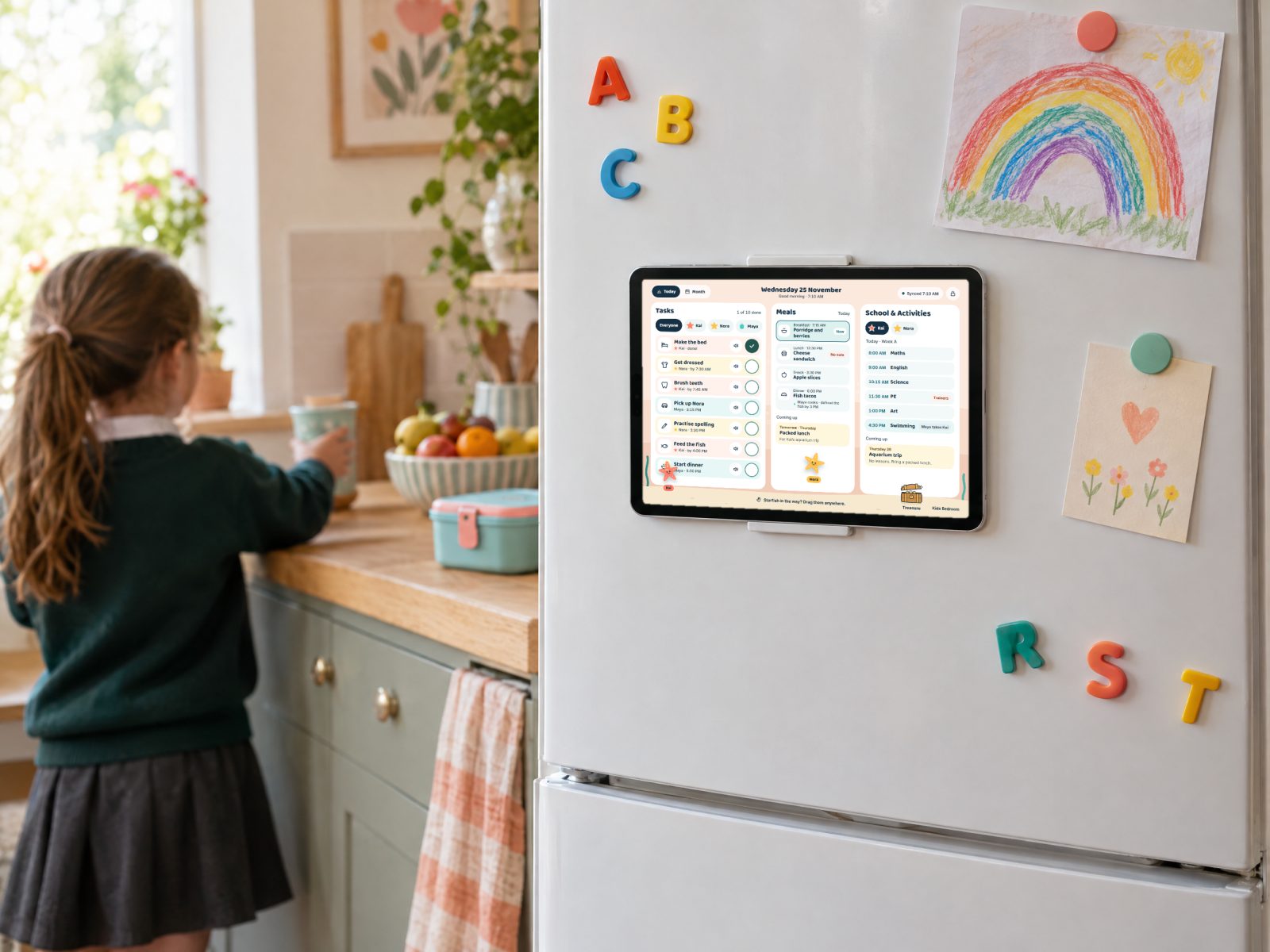
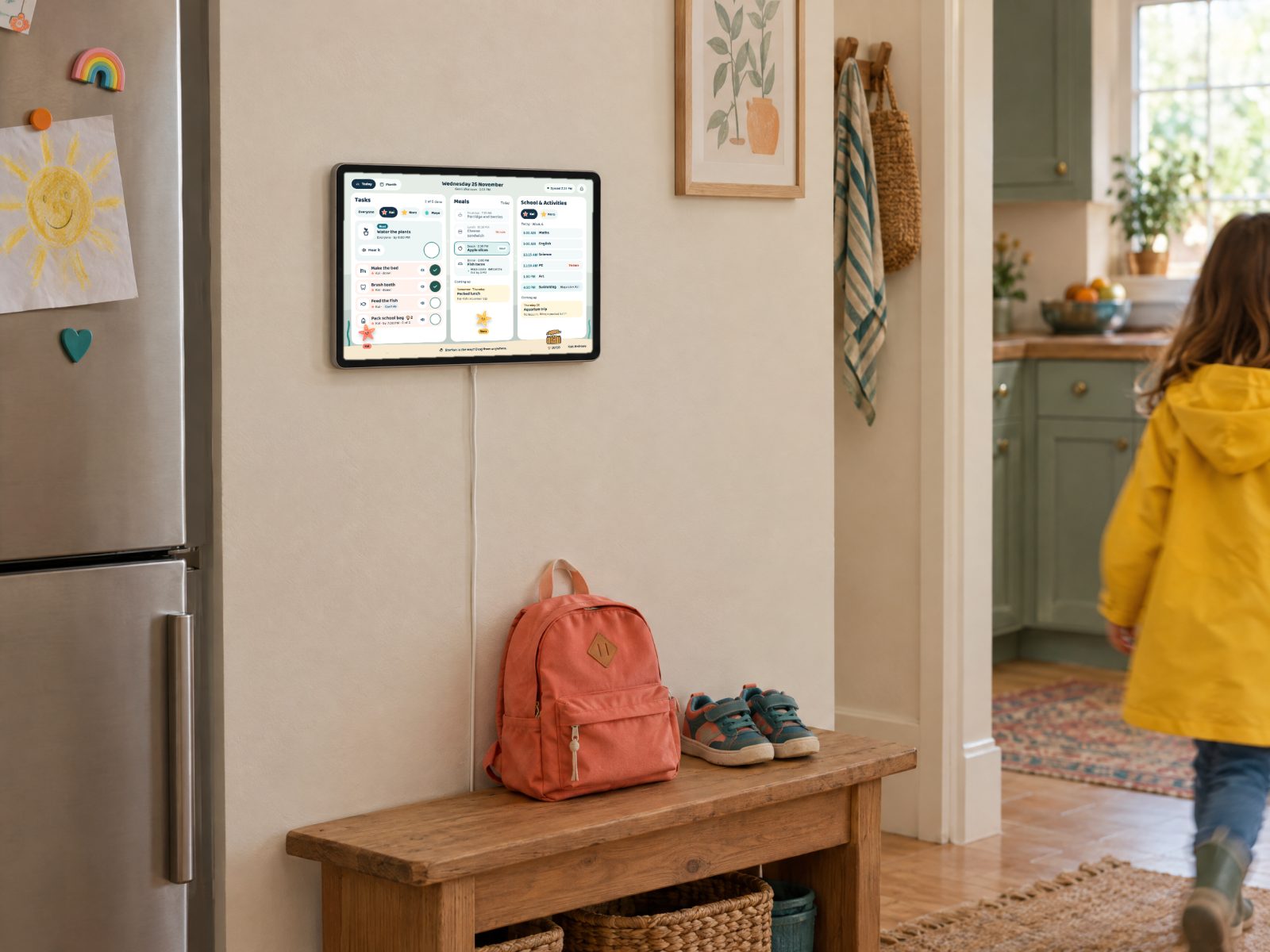
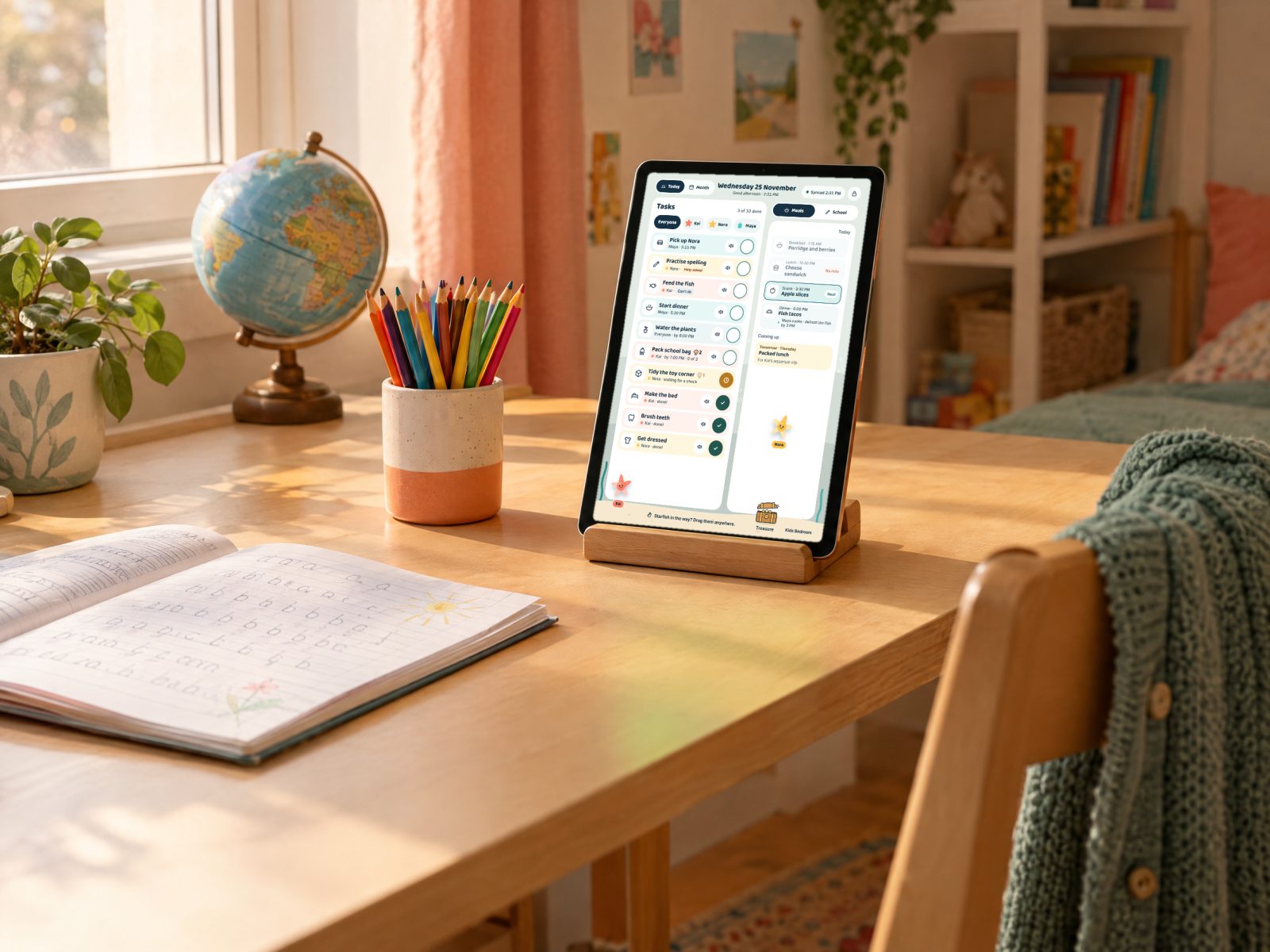
Starfish is the family planner your kids use themselves. A tablet you already own becomes a wall board for chores, meals, and school and activities. They tick off their own day, and you plan it from your phone.
On Google Play now. Coming soon to the App Store. Free to start.

One screen for today: tasks, meals, and school and activities, with nothing to open or log into.
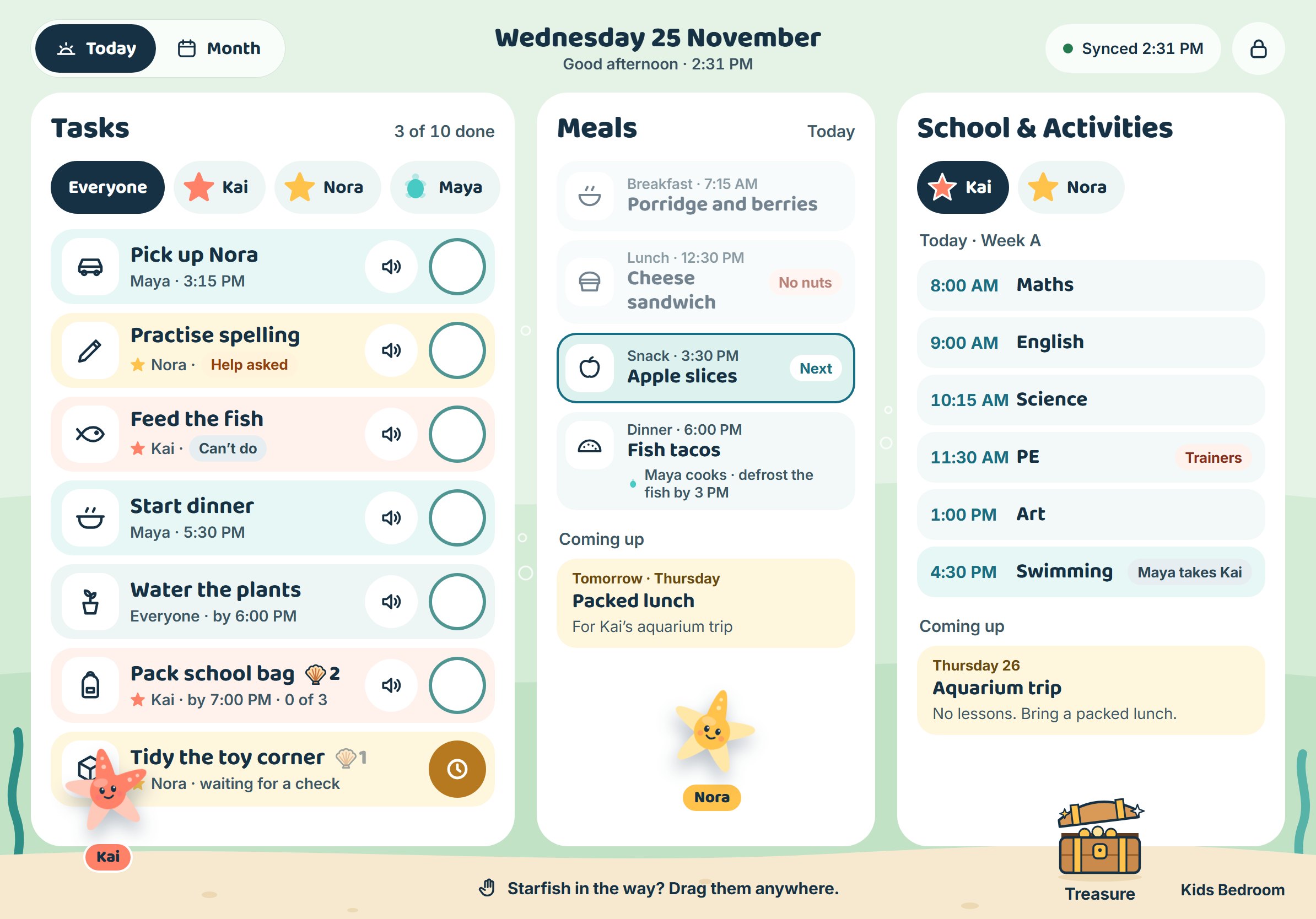
Every child has a starfish in their colour. Tick a task and it hops over to celebrate. The rest of the time it wanders the board, and kids can drag it anywhere.
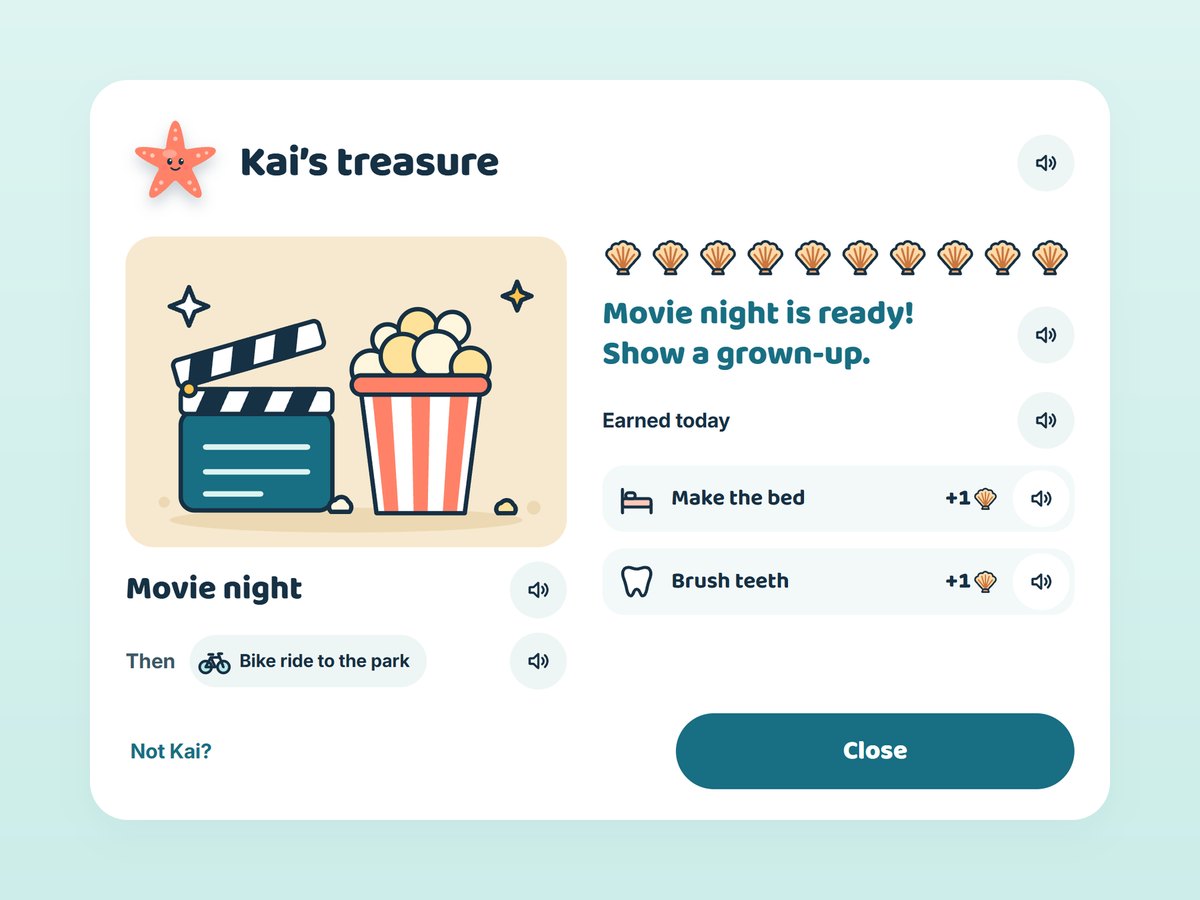
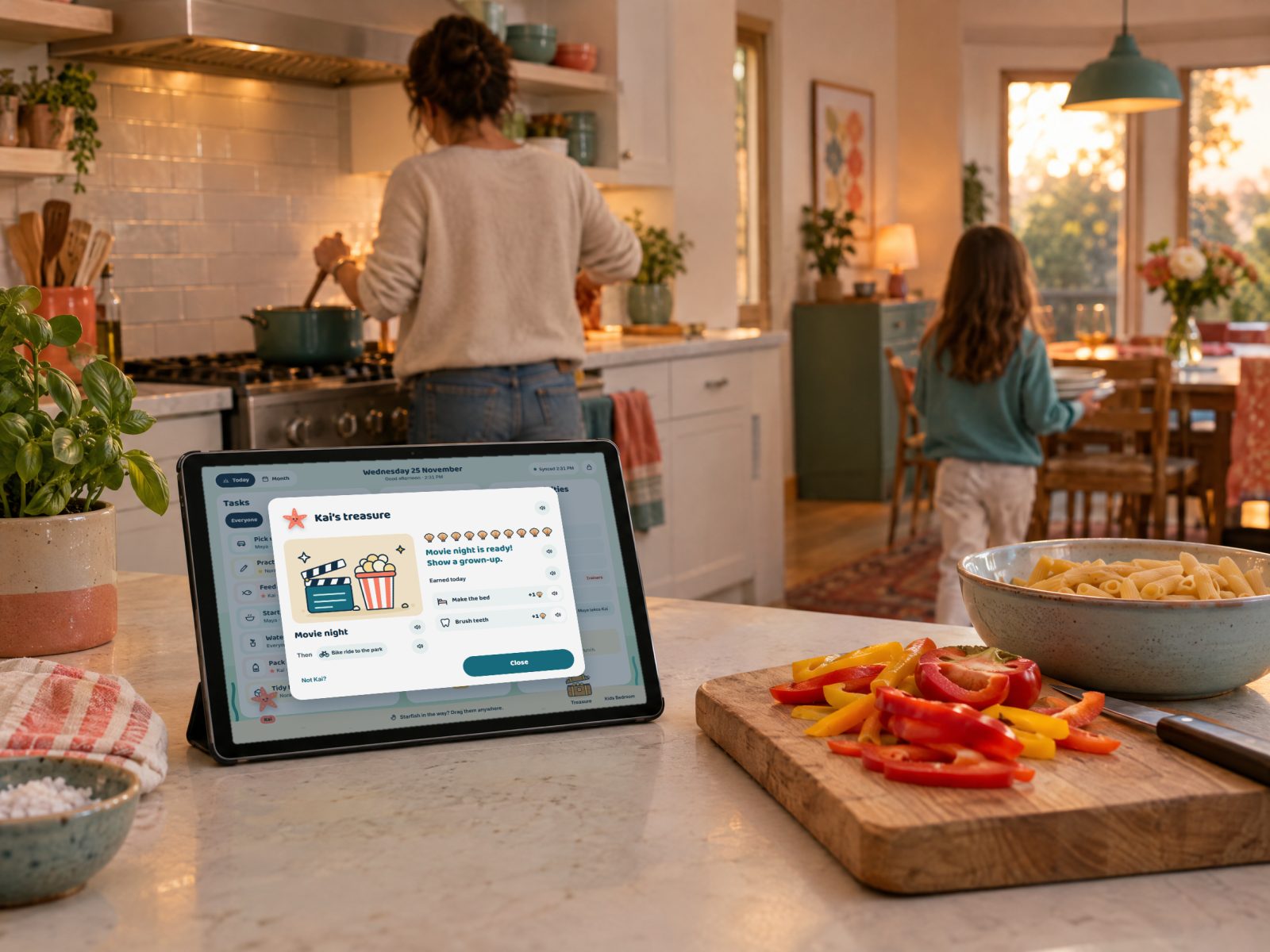
Turn on shells and tasks earn a few toward something you pick together, like a movie night. Shells are never lost for a missed task, and they can’t be bought.
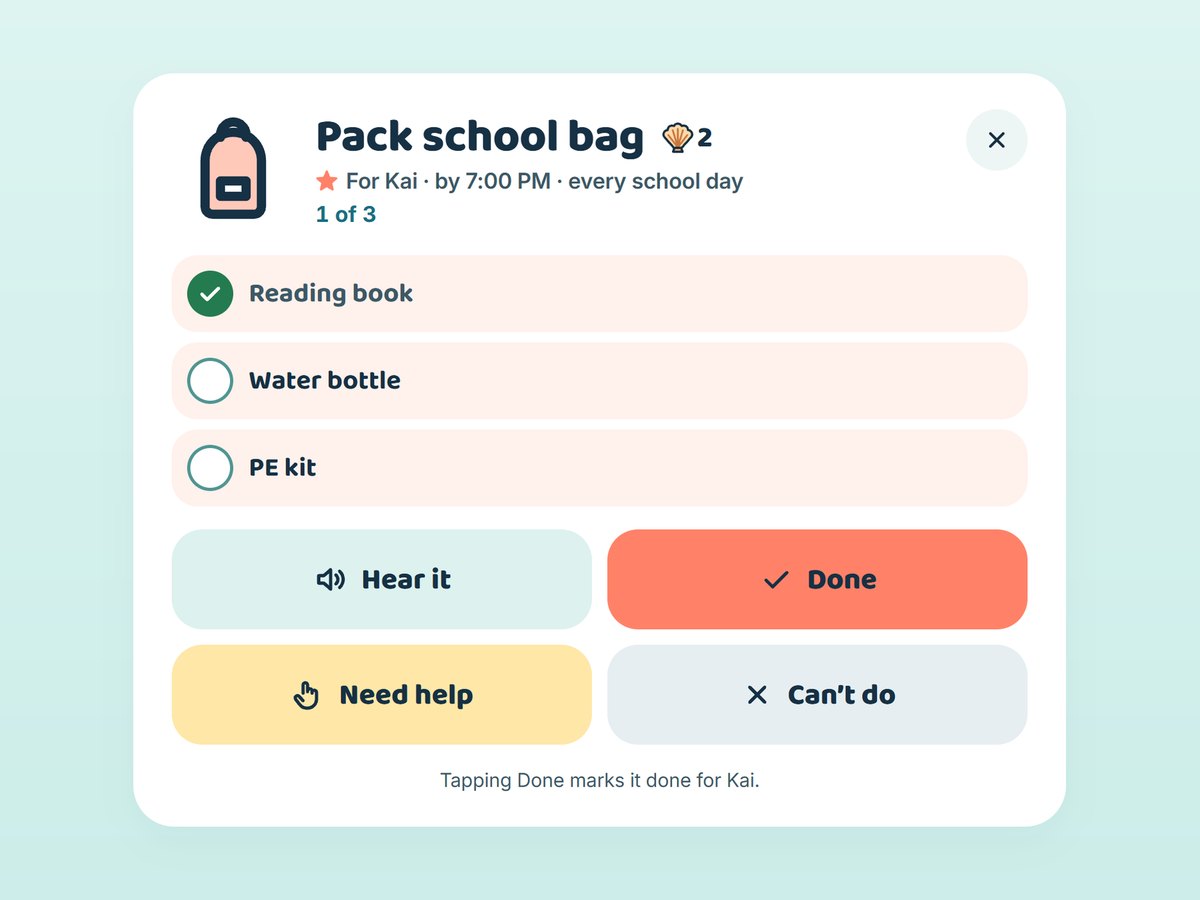
Every task has a picture and a Hear it button that reads it aloud. Record a voice note and the board plays your voice instead.
Set the week up once. Starfish puts the right things on the board each day and tells you the moment a child asks for help.
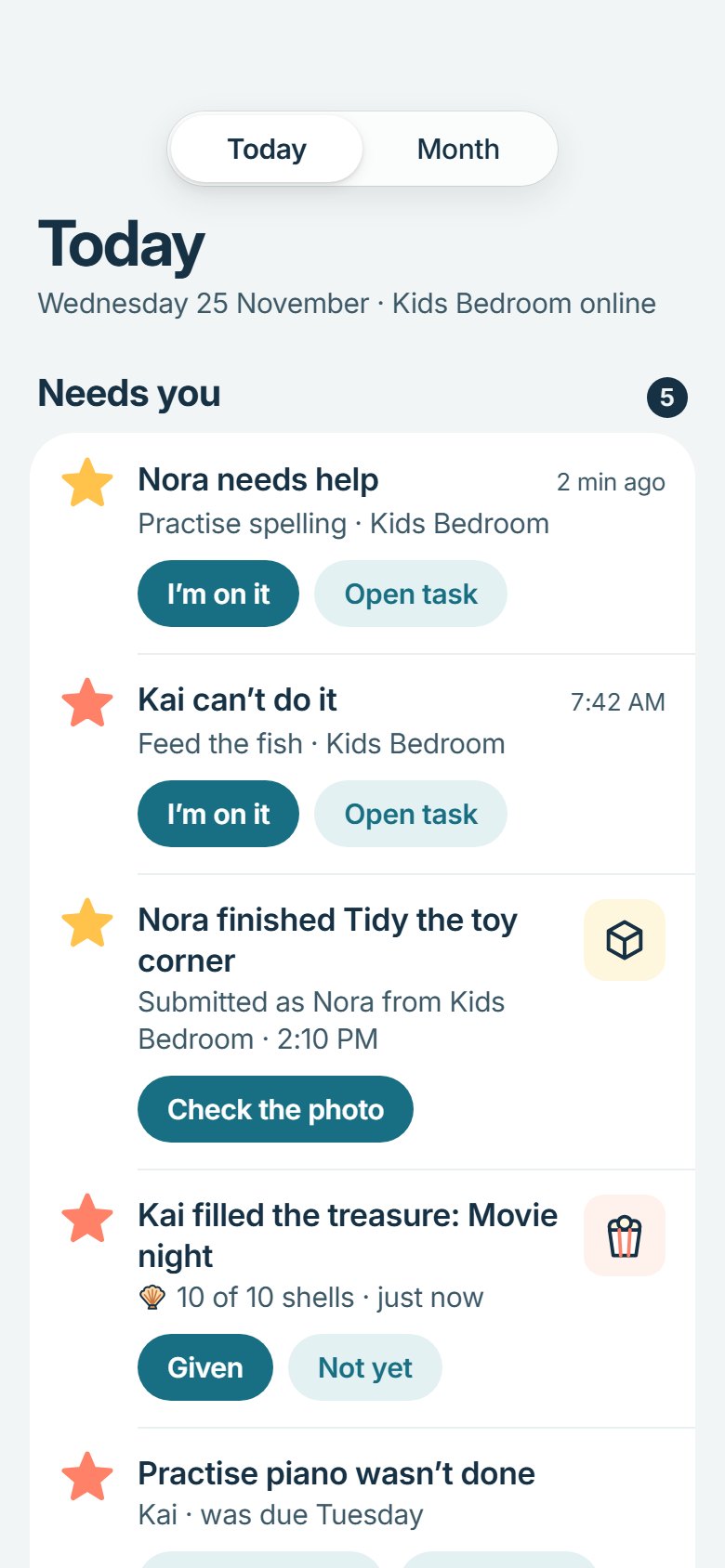
When a child asks for help, can’t do a task or sends a photo to check, it lands at the top of your Today screen.
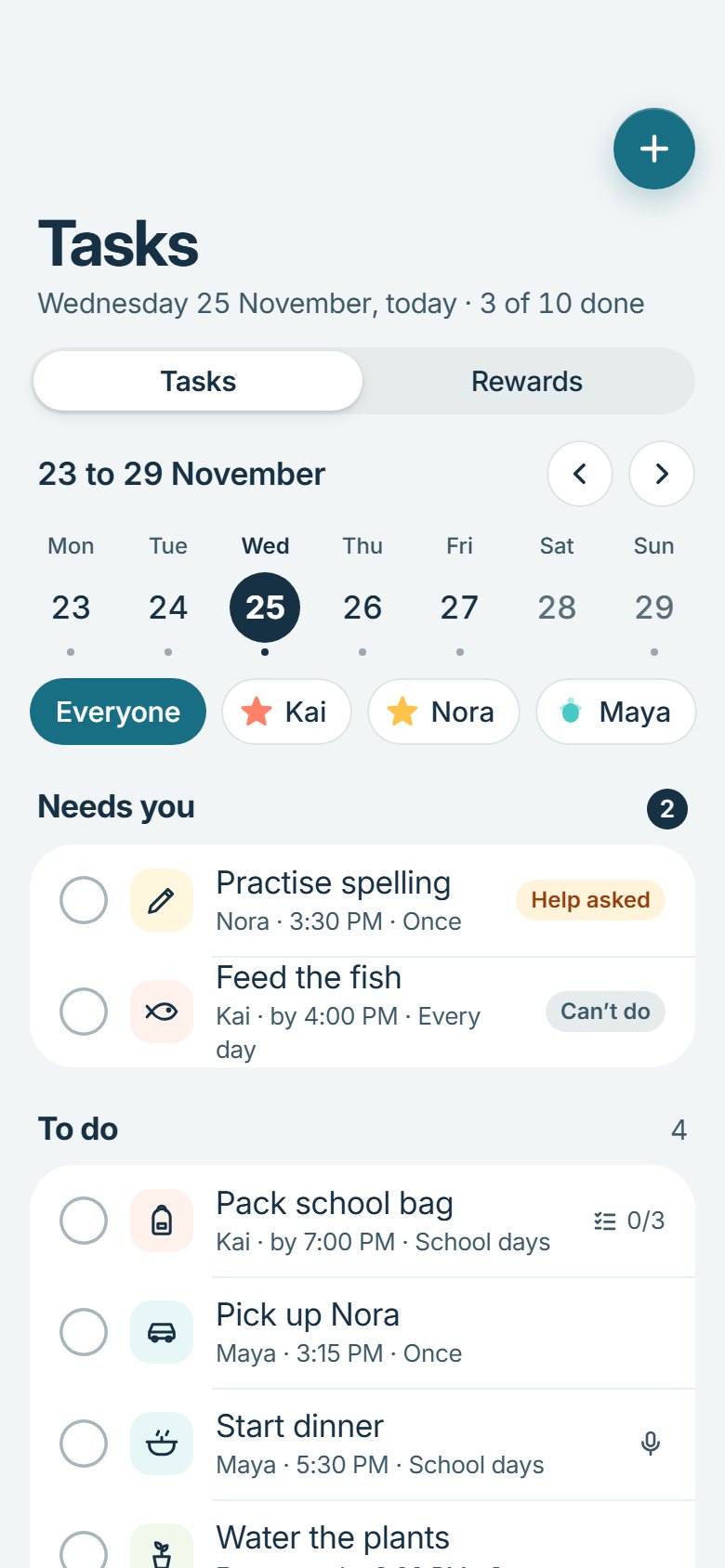
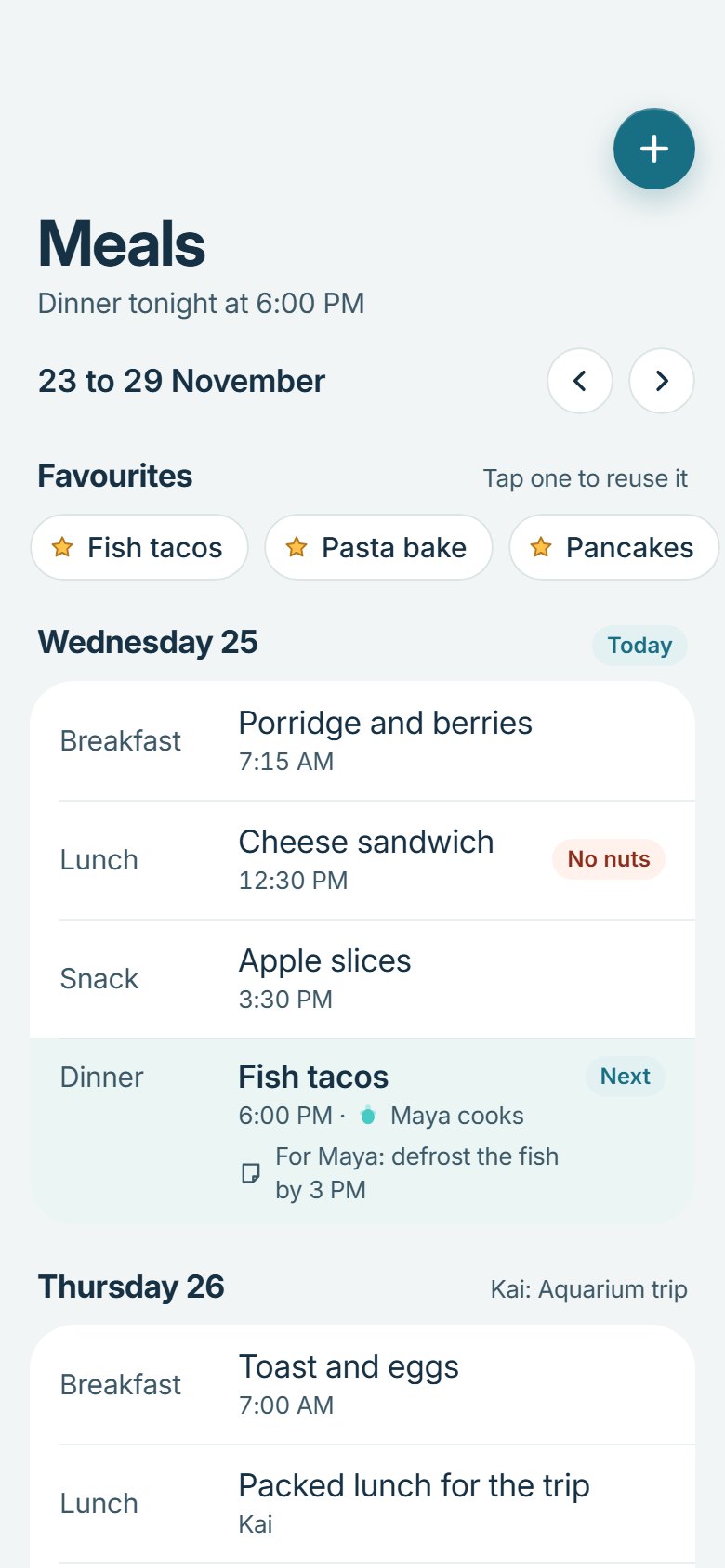
Set tasks to repeat every day, on school days or just once. Add the timetable and the week’s dinners.
A school trip, a day off or karate at a new time: change that day only. The board shows it, and the rest of the week stays put.
A task that wasn’t done isn’t lost. Move it to today, mark it done or skip it.
You and your co-parent each sign in on your own phone, with your own account. Invite them with a short code and you both see the same week.
These are rules in how Starfish is built, not settings you have to find. The details are in our privacy policy.
Each child is a name and a plain starfish in their colour: no logins, profile photos or avatars. A parent gives consent for every child.
You pair the tablet once with a code from your phone and give it a name, like Kitchen. It signs in as its own device, and you can switch it off any time.
The board never shows ads, and children can’t buy anything. AI only helps parents on Premium: it suggests dinners or reads a list, menu or timetable you scan, when you ask, and nothing is saved until you check it.
We don’t sell your family’s data or share it for advertising. Every grown-up can delete their own account in the app.
How we handle your family’s data is in our privacy policy.
Every task has a picture and a button that reads it aloud. You can also record a short voice note, and the board plays your voice instead. Starfish is made for children from about 3 to 10.
Starfish is free to start. Premium is optional, and the yearly plan starts with a 14-day free trial; the app shows what it adds and the price where you live. You subscribe and cancel in the App Store or Google Play. If Premium ends, your family carries on with the Free plan, and you choose which children and boards stay active.
No. Starfish keeps your family’s week itself: school, clubs, tasks and meals. It doesn’t read or change the calendar on your phone.
Starfish is on Google Play now for Android phones and tablets, and coming soon to the App Store for iPhone and iPad. It’s free to start, and Premium is optional.
Starfish is free on Google Play for Android phones and tablets, and coming soon to the App Store for iPhone and iPad.
In English, Arabic and French.